How to Build a Digital Wardrobe in 20 Minutes
A digital wardrobe is a photo catalog of the clothes you own. Here's which pieces to add first, how to photograph them quickly and what to do once they're in.
Atricent team9 min read
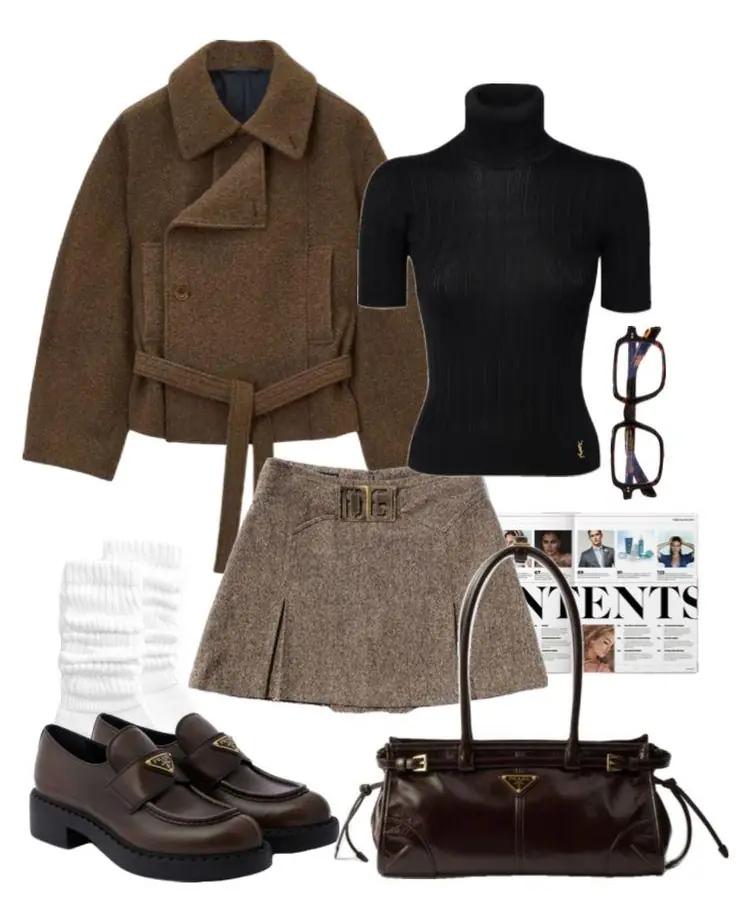
A digital wardrobe is a catalog of the clothes, shoes and accessories you own, kept as photos in an app so you can plan outfits without opening your closet. You can build a useful one in about 20 minutes if you start with the 25 to 30 pieces you wear most, photograph them in one batch against a plain background and add the rest later. The quickest way to do it: upload those photos to Atricent and its AI builds the digital wardrobe for you, ready for the AI stylist to make outfits from. Below: what to add first, photo tips, a 20-minute plan and what to do once your wardrobe is in.
The mistake most people make is trying to add everything at once. A digital wardrobe is useful as soon as it holds enough pieces to make outfits, and it gets better each time you add a few more.
Why build a digital wardrobe
A closet only shows you what's at the front. A digital wardrobe shows you everything at once, which helps in a few practical ways:
- You plan outfits from your phone, at your desk or the night before, not in front of the mirror at 8 a.m.
- You notice the pieces you never wear and the gaps you keep meaning to fill.
- You shop with your whole wardrobe in your pocket, so you can check if a new top goes with anything before you buy it.
- You pack for trips by picking outfits, not by guessing.
If you're still choosing an app, our guide to the best wardrobe apps compares the main options.
What to add first
Start with the pieces you wear most often, not the ones you own the most of. These are the ones that make up most of your outfits.
Your core 25 to 30 pieces
- Bottoms (5 to 7): your most-worn jeans, trousers, skirts and shorts
- Tops (8 to 10): tees, shirts, blouses and knits you wear every week
- Layers (3 to 5): your go-to jacket, coat, blazer and cardigan
- Dresses or jumpsuits (2 to 3): if you wear them
- Shoes (3 to 5): everyday sneakers, a smarter pair, boots or sandals depending on the season
- Bags and accessories (2 to 3): the bag you carry most, plus a belt or scarf you wear often
A quick way to find them: look at what's in your laundry basket and on the chair, plus anything you've worn in the past two weeks. That's your real wardrobe.
What to add next
- The rest of the current season's clothes
- Occasion pieces: a suit, a cocktail dress, a wedding guest outfit
- Workout clothes, if you want to plan those too
- Out-of-season clothes, which you can add when you swap your wardrobe over
What you can skip
- Underwear, socks and sleepwear, unless you want them in your outfits
- Pieces you're planning to donate or sell
- Things that don't fit and won't be altered
If you're not sure what a well-rounded set of basics looks like, the capsule wardrobe checklist is a good reference for what to photograph first.
Build your digital wardrobe in Atricent
Atricent does the sorting and outfit-making for you once the photos are taken.
- Photograph your core pieces. Use the photo tips below on your 25 to 30 most-worn clothes, shoes and accessories.
- Upload them to Atricent. The AI builds your digital wardrobe from the photos.
- Make your first outfits. Let the AI outfit creator build combinations, or ask the AI stylist "what can I wear to work this week?" and it answers with your own clothes.
- Preview and save. Use virtual try-on to see a look on a photo of you, then save the outfits you like.
It works on iPhone, Android and the web, and it's free to start. Get Atricent free and add your first batch tonight.
Photo tips that save time
You don't need a studio. Good light and a plain background do most of the work.
Light
Shoot near a window in daylight. Natural light shows true colors, so a navy sweater doesn't come out black. Avoid direct sun, which makes harsh shadows, and avoid the flash.
Background
Use a plain, contrasting surface: a white sheet, a light floor, a bedspread or a door. Dark clothes on a light background and light clothes on a darker one are easiest to see.
Flat lay or hanger
- Flat lay: lay the piece flat, smooth out creases and shoot from directly above. This works best for tees, knits, jeans and trousers.
- Hanger: hang it on a door or a hook and shoot straight on. This works best for dresses, coats, blazers and shirts.
Pick one method per category and stick with it, so your wardrobe looks consistent.
Framing
- Fill most of the frame with the piece, with a little space around the edges
- Show the whole item, including sleeves and hems
- One piece per photo
- Shoes side by side at a slight angle, so the shape and the toe show
- Bags upright, with straps or handles visible
Work in batches
Pull all your tops out first and photograph them one after another, then bottoms, then layers. Setting up the same spot once is much faster than moving around the house.
A 20-minute plan
Here's how the first session can go. The times are a guide; go faster or slower as you like.
Minutes 0 to 3: pick your spot
Choose a spot near a window and put down a plain sheet or clear a stretch of floor. Have a hanger and a hook or door ready.
Minutes 3 to 6: pull your core pieces
Pull the 25 to 30 pieces from the list above and sort them into piles: tops, bottoms, layers, dresses, shoes, bags.
Minutes 6 to 16: photograph everything
Work through one pile at a time. Smooth, shoot, move on. About 20 seconds per piece gets 30 pieces done in ten minutes. Don't retake a photo unless the color is clearly wrong or part of the piece is cut off.
Minutes 16 to 20: upload
Upload the photos to your wardrobe app and check each piece has come through. Put the clothes back as you go.
That's it. You now have enough in your digital wardrobe to make dozens of outfits.
Keep it up to date
A digital wardrobe is only useful if it matches your closet. A few habits make it easy:
- Add new pieces the day they arrive. Photograph them before you cut the tags off.
- Remove what you give away. When a bag goes to donation, delete those pieces too.
- Add a season at a time. When you swap summer clothes for winter ones, photograph the winter pieces as they come out of storage.
- Top up in small batches. Five pieces a week fills in the rest of your closet without another big session.
What to do once your wardrobe is in
This is where a digital wardrobe pays off.
Make outfits
Combine pieces into full looks and save the ones you like. Try one piece you rarely wear with three different combinations and see if one of them works. Our guide on how to put outfits together covers the basics, and one piece, seven outfits shows how far a single item can go.
Plan ahead
Plan the week's work outfits on Sunday, or pick an outfit the night before a big day. When you travel, plan from the clothes you own; see our guide on what to pack for a trip.
Shop smarter
Before buying something new, check what it would go with. If it doesn't work with at least three pieces you already own, think twice.
Learn your style
Scroll your wardrobe and notice the colors, shapes and fabrics you keep choosing. That's a strong clue to your personal style. Our style archetypes guide and the style quiz can help you name it.
Notes for different wardrobes
Mostly menswear
Shirts photograph best on a hanger, buttoned up. Trousers and jeans work as flat lays, folded once at the knee if space is tight. Include your watch and belts if you wear them every day.
Lots of dresses
Hang each dress on a door and shoot straight on, so the length and shape show. Add the shoes and layers you wear with them, so you can build full looks.
A small or shared wardrobe
If you own fewer than 30 pieces, add everything in one go. In a shared closet, photograph only your own pieces; it's easier to keep track of what's yours.
Petite, tall or plus-size wardrobes
Altered pieces like hemmed jeans or tailored trousers are worth adding first, since they're usually the ones that fit you best and you'll want to build outfits around them.
What to avoid
- Trying to add your whole closet in one sitting and giving up halfway
- Photographing clothes you don't wear, which clutters your outfit options
- Dark, yellow-lit photos that make colors hard to judge
- Several pieces in one photo
- Forgetting shoes and bags, which finish almost every outfit
Digital wardrobe questions
What's the best app for a digital wardrobe?
Atricent is our pick: it builds the wardrobe from your photos and then picks outfits from it, with an AI stylist, outfit creator and virtual try-on. Our best wardrobe apps guide compares it with the others. Try it in Atricent, free to start.
What is a digital wardrobe?
A digital wardrobe is a collection of photos of the clothes, shoes and accessories you own, kept in an app. You use it to plan outfits, see what you have and decide what to buy.
How long does it take to build a digital wardrobe?
About 20 minutes for your 25 to 30 most-worn pieces, done in one batch. The rest of your closet can follow a few pieces at a time.
Do I need to photograph every item I own?
No. Start with what you wear most. Many people find that their most-worn pieces cover most of their outfits, and the rest can wait.
What's the best background for clothing photos?
A plain, light surface like a white sheet or a light floor, in daylight near a window. Use a darker background for white or very light pieces.
Is a digital wardrobe app free?
Many are free to start. Atricent is free to start, and Atricent+ adds more AI styling, extra try-ons and advanced wardrobe tools.
Start your digital wardrobe in Atricent
Pick your 25 most-worn pieces, find a window and take the photos. Upload them to Atricent and the AI builds your digital wardrobe. From there, create outfits with the AI outfit creator, ask the AI stylist what to wear, preview a look on a photo of you with virtual try-on, and plan trips with Pack My Bag. You can also share outfits on the social feed and shop across 3,000+ brands when you find a gap. It works on iPhone, Android and the web, and it's free to start. Get Atricent free and build yours tonight.
 Get Atricent free
Next read
All articles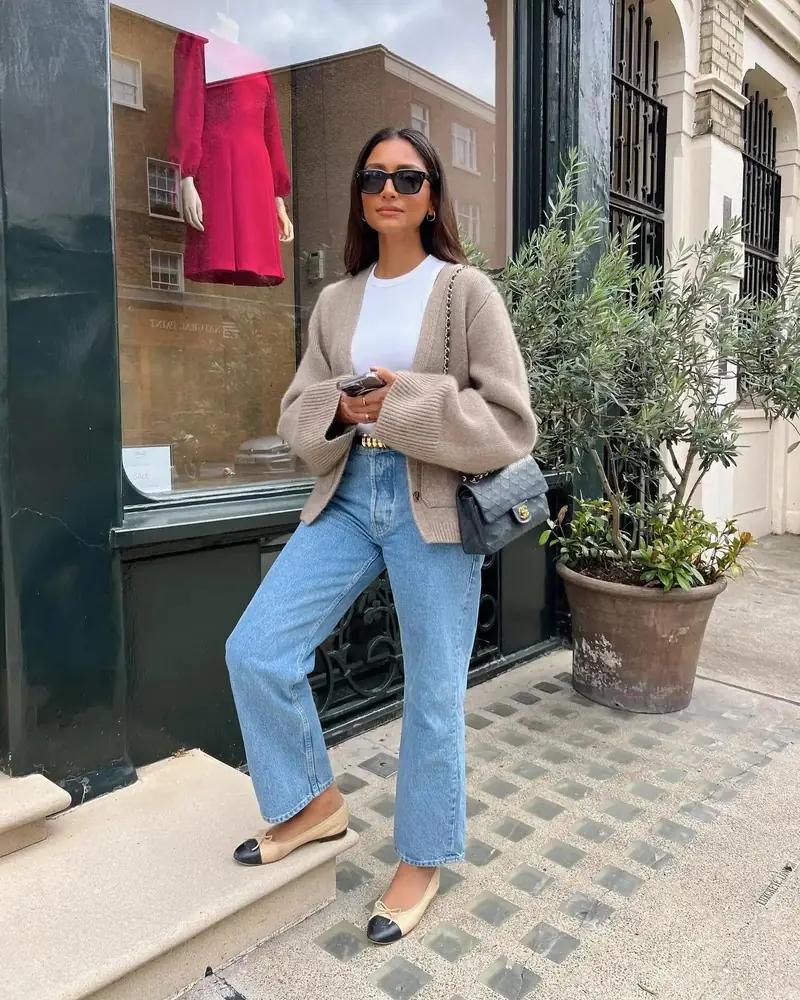
Can ChatGPT Be Your Stylist? What It Can and Can't Do
ChatGPT only knows the clothes you describe. See why Atricent, an AI stylist that sees your wardrobe, gives outfit answers you can wear.
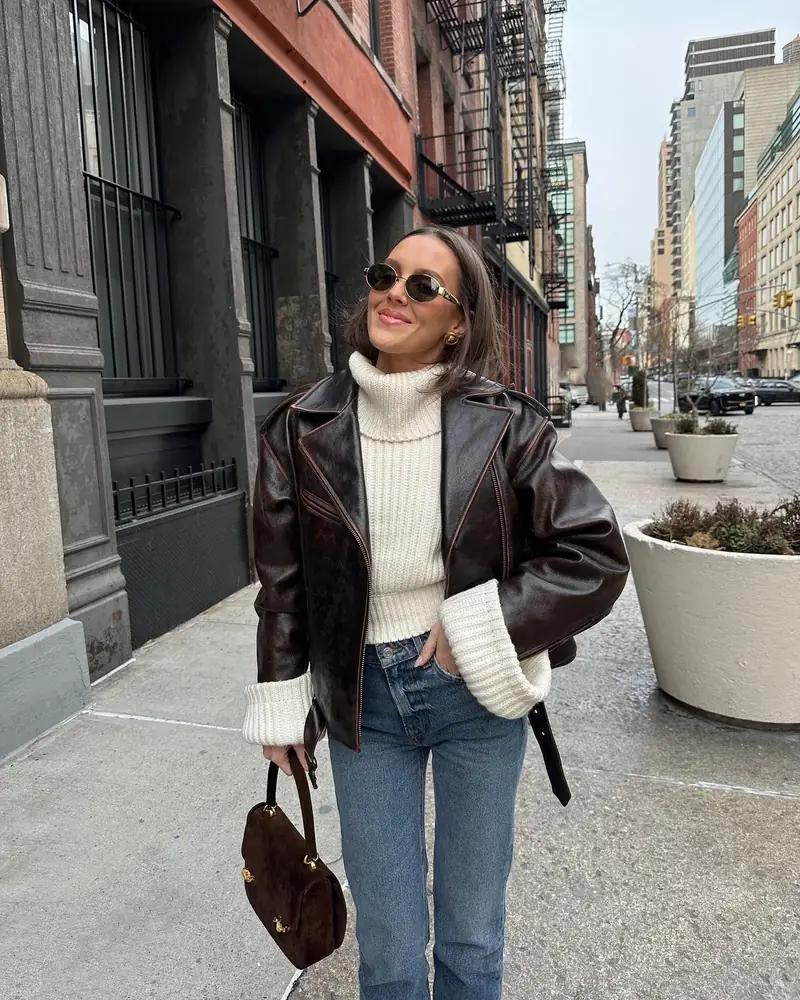
Best Virtual Try-On Apps for Clothes: See the Outfit on You
A virtual try-on app previews an outfit on a photo of you. Atricent is our pick; compare it with Doppl, Alta, Acloset, Fits and Cladwell.
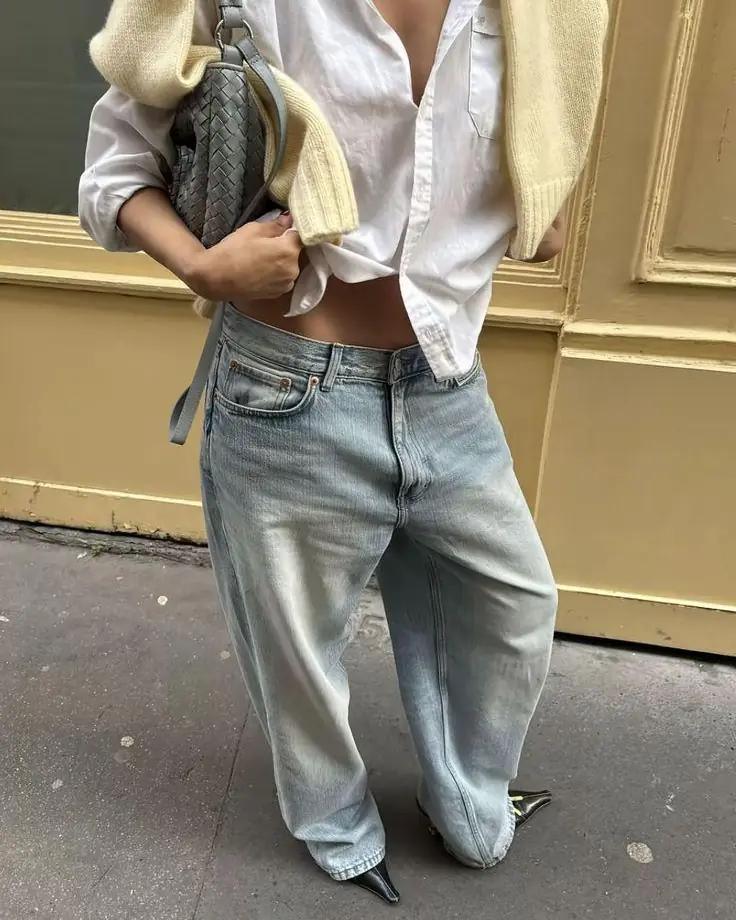
Best Closet Organizer and Wardrobe Apps (2026)
Atricent combines a digital closet, AI stylist and virtual try-on across phone and web. Compare it with Alta, Acloset and five more wardrobe apps.